
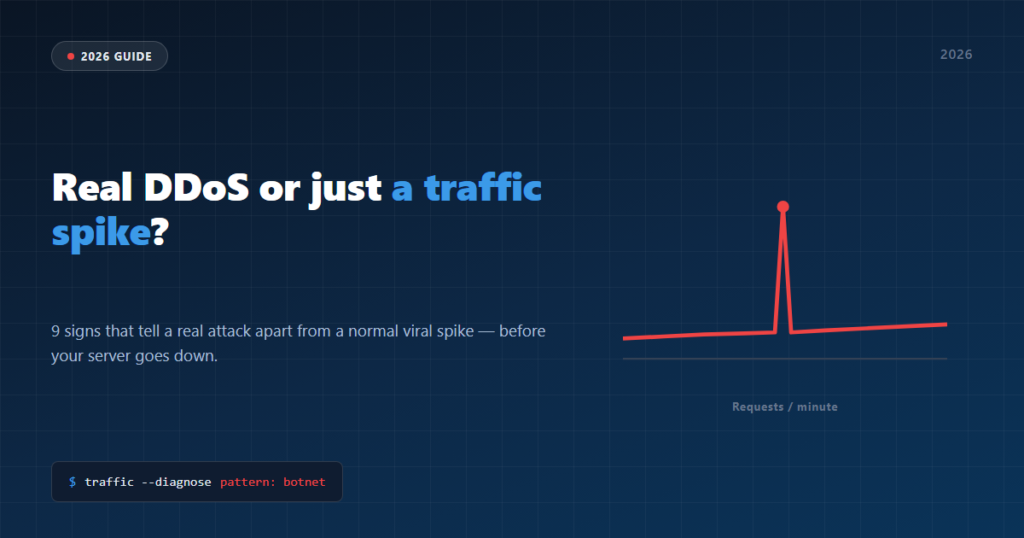
A sudden traffic spike can be great news (a big media mention, a post going viral) or it can be an attack. Confusing one for the other has real consequences: if you treat a genuine DDoS as if it were just a lot of legitimate traffic, your server can crash trying to serve requests that were never real visits. Here’s how to tell them apart.
1. Traffic arrives from everywhere at once, with no logical geography (1 min)
A normal viral spike usually has a reasonable geography: if a media outlet mentioned you, most visits come from that country or region. If you suddenly see traffic split evenly across dozens of unrelated countries, that’s the typical signature of a botnet.
2. Every single request asks for the exact same URL (1 min)
A real visitor browses: lands on one page, checks another, goes back. An attack tends to repeat the exact same request thousands of times — almost always the homepage or a heavy-to-load URL (search, cart, forms) chosen on purpose to force your server to work harder.
3. The User-Agent is identical, or clearly fake, across thousands of requests (1 min)
Check your security plugin’s traffic log. If you see the exact same User-Agent repeated thousands of times, or User-Agents claiming to be a 10-year-old browser, those aren’t real visitors — that’s a script.
4. There’s no referrer at all — nobody comes from Google, social media, or a real link (1 min)
A real viral spike leaves a trail: people arrive from Twitter, from a WhatsApp group, from Google searching your brand. An attack arrives with no origin at all — because there’s no human click behind it.
5. The rise is nearly vertical, not gradual (30 sec)
Content that goes viral takes minutes or hours to build up as it gets shared. An attack goes from normal traffic to a massive spike in seconds — because a botnet doesn’t need anyone to share anything, just someone to hit “start”.
6. Blocking one IP does nothing — new ones show up seconds later (1 min)
This is the most reliable sign of all. If you block the IP sending the most requests and total traffic doesn’t drop at all because a thousand other IPs keep going, you don’t have one heavy visitor: you have a botnet, and IP-based rate limiting will never stop it by design.
7. It doesn’t match any campaign, post, or mention of yours (30 sec)
Before assuming it’s an attack, check the obvious: did you post anything today? Did someone with a big audience mention you? If the answer is no and you still have a spike, the odds of it being an attack go up.
8. Your host warns you about abnormal CPU or bandwidth usage (30 sec)
Many hosts send an automatic alert when resource usage spikes well above normal. If you get one of these without having changed anything on your site, don’t ignore the coincidence.
How many signs do you have?
With 3 or more of these signs, it’s no longer a lucky traffic spike — it’s a real denial-of-service attack, and that’s exactly where defenses built only for individual attackers start to fail. IP-based rate limiting counts requests per address — and a real botnet uses hundreds or thousands of different addresses at once, each one starting its own clean counter. That calls for watching the site’s global traffic, not each IP in isolation.