
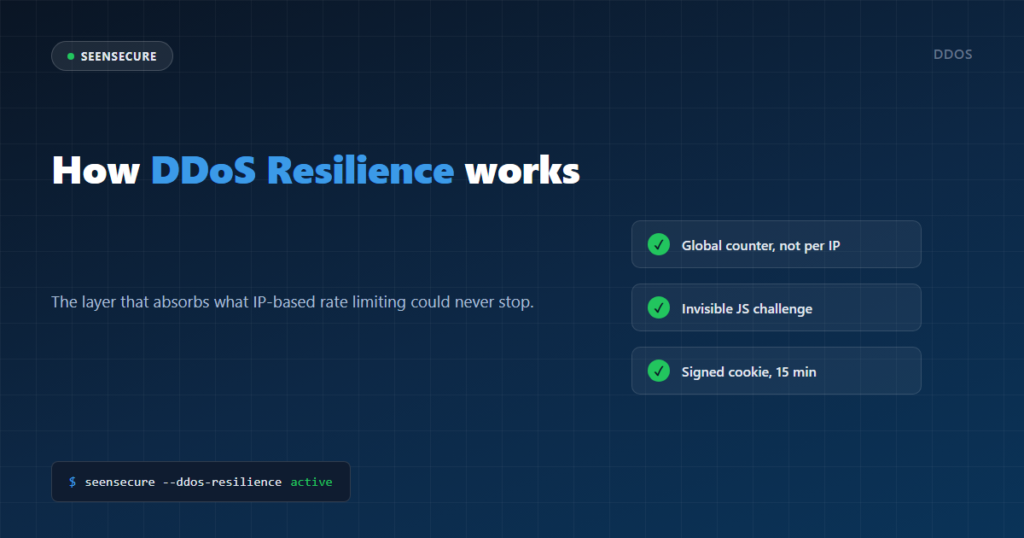
Traditional rate limiting counts how many requests each IP sends and blocks the one that goes over. It works beautifully against a single persistent attacker — and it’s completely useless against a real denial-of-service attack, because a botnet uses hundreds or thousands of different IPs at once: each one sends only a handful of requests and starts its own clean counter. DDoS Resilience was built exactly for that scenario.
Why counting per IP isn’t enough
If your rate limiting threshold is “block after 100 requests per minute”, a botnet of 1,000 IPs sending 50 requests each never trips the limit on any single IP — and it’s still 50,000 real requests per minute hitting your server. The problem isn’t a badly tuned number: it’s measuring the wrong unit entirely.
How DDoS Resilience works
It counts the site’s global traffic, not IP by IP
Instead of a per-address counter, DDoS Resilience adds up every request across the whole site, from all IPs combined, in 10-second windows. When that total crosses the threshold you configure (requests per minute, site-wide), “flood mode” kicks in — and stays active for a few extra minutes even if traffic dips for a moment, so it doesn’t flip on and off constantly while an attack hovers near the limit.
A challenge a bot never solves, and a human never notices
With flood mode active, any new visitor gets a lightweight page instead of your full WordPress site: a brief “checking your browser” message with a tiny script that adds two random numbers and submits the answer on its own, in under a second. A real browser solves it without the visitor doing anything or even noticing. A typical flood bot — a script that only sends raw HTTP requests, with no JavaScript engine — never runs that script, never submits an answer, and stays locked out for good.
Signed and time-limited — it can’t be faked or replayed
The answer is signed with HMAC using WordPress’s own internal secret, and expires in 60 seconds. That rules out pre-computing a valid answer or replaying an old one. Once solved, the visitor gets a cookie — also signed — that lets them through with no further challenges for however long you configure (15 minutes by default).
Who never sees the challenge
Before it’s ever shown to anyone, these are exempt: administrators already logged in, IPs on your whitelist, genuinely verified crawlers (Google, GPTBot… confirmed by reverse DNS, not just a claimed User-Agent), and WordPress’s internal routes — login, cron, admin-ajax, the REST API — where an accidental block would break your own site’s management. Only page-load requests (GET) are ever challenged; forms and API calls pass straight through, so payments and integrations don’t break in the middle of an attack.
What happens on your server during the attack
The important part: this challenge is served before WordPress ever loads. A bot stuck in the challenge loop never makes your database or PHP actually do any work — it gets a static page of a few kilobytes and a 503, not a full WordPress execution. That’s what keeps your site responding normally for real visitors even when the total request volume is huge.
FAQ
Does this block Google or my real visitors?
No. Genuinely verified crawlers are exempt, and any real visitor with JavaScript enabled (the vast majority) solves the challenge on their own, in under a second, without seeing a CAPTCHA or doing anything at all.
Do I need to do anything when an attack starts?
No — it turns on and off by itself, based on the site’s real-time global traffic. You can adjust the threshold, how long a visitor stays verified, and the cooldown after a spike, from the dashboard.
Does this replace a CDN like Cloudflare?
Not entirely, and it’s important to know that: DDoS Resilience protects the application layer (layer 7) — the HTTP traffic that reaches WordPress. It doesn’t replace an edge network built to absorb network-layer attacks (layer 3/4) before they even reach your server. It’s an extra layer, not the only one you should have if DDoS risk is high for your business.