
Your WordPress and a complete stranger’s on the other side of the world can receive, on the same day, practically the same malicious request, byte for byte. It’s not a coincidence or shared bad luck — it’s how most WordPress attacks actually work.
Nobody chose you specifically (probably)
An attacker doesn’t sit down to research your site in particular. What usually happens is a script that sweeps huge ranges of internet addresses looking for the WordPress “fingerprint” — paths like /wp-login.php, /wp-content/, or the readme.html file — and as soon as it finds it, fires off exactly the same request at that site, and the next one, and the next one, without distinguishing which one you are.
The wave that follows a new vulnerability
When a vulnerability in a popular plugin becomes public, it doesn’t take days for automated probing to start — sometimes it’s hours. Thousands of sites with that plugin installed, with no relationship to each other, get hit by the same attempt almost simultaneously, generated by the same script someone has set loose against huge domain lists.
Why this is actually good news for defense
An attack not being personal or unique has an upside: as soon as one site in a network of protected sites identifies and blocks that pattern, that same information can be used to protect the others before the same wave ever reaches them. A coordinated attack hitting hundreds of sites at once gets stopped much faster this way than if each site had to discover it on its own, in isolation.
How this actually protects you
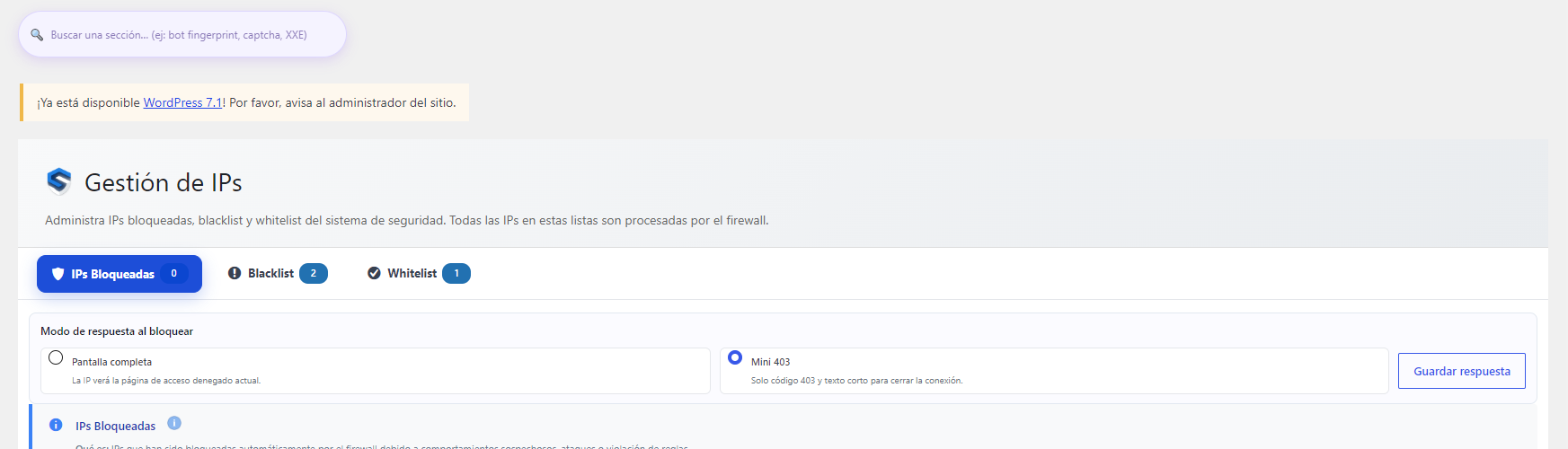
This is exactly what SeenSecure’s Protection Network does: when one site’s firewall blocks a real attack, that signal can be shared (optionally and anonymously) with the rest of the protected sites. Combined with the 5-layer Anti-Bot, which already filters out a good chunk of this automated traffic before it even tries anything, the feeling of being “alone” against these waves disappears: your site benefits from what’s already been seen across thousands of other sites, not just from what happens to it.
Frequently asked questions
How do I know if my site has been part of one of these mass waves?
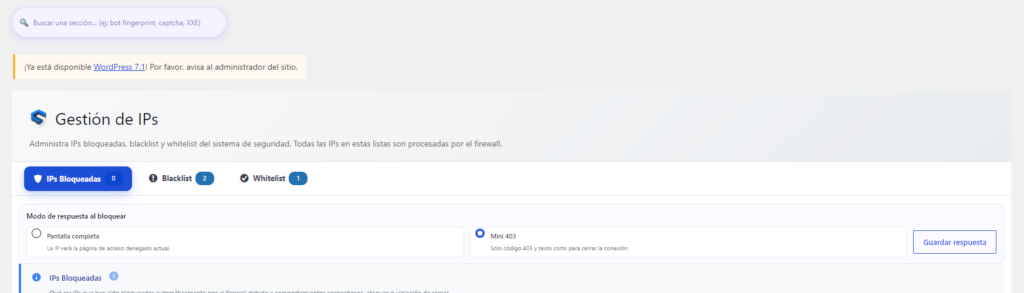
The activity log in the panel shows every real block, including whether that IP or pattern had already been seen on other sites in the network.
If the attack isn’t personal, is it still worth protecting myself?
Yes — not being personal doesn’t mean it’s harmless. An automated script that finds an open door uses it regardless of whether it specifically picked your site.
Can I turn off sharing information with the network if I’d rather not participate?
Yes, it’s an optional feature and disabled by default — the rest of the protections (firewall, anti-bot, scanner) keep working the same, whether you participate or not.