
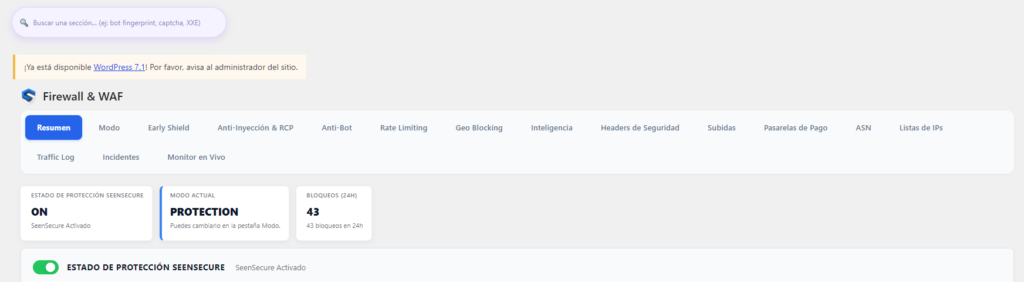
If you’ve ended up here looking for what exactly a WordPress firewall is, you probably already know your site gets traffic you don’t like: bots, odd access attempts, requests that don’t make sense. A firewall is the layer that decides, before WordPress even starts loading, whether that request deserves a response at all.
What a WordPress firewall actually is
A web application firewall (WAF) inspects every request that reaches your site — the source IP, the requested URL, the headers, sometimes the submitted content itself — and compares it against rules for what’s considered dangerous traffic. If it matches, it’s blocked before a single line of WordPress code even runs.
How a firewall works in practice
Think of it as a doorman who checks before letting anyone through. Some of the typical signals it analyzes:
- SQL injection or XSS patterns in URL parameters or a form
- IPs already flagged for malicious behavior
- Requests trying to access sensitive files directly (like
wp-config.php) - Abnormally high request volume from the same source in a short time
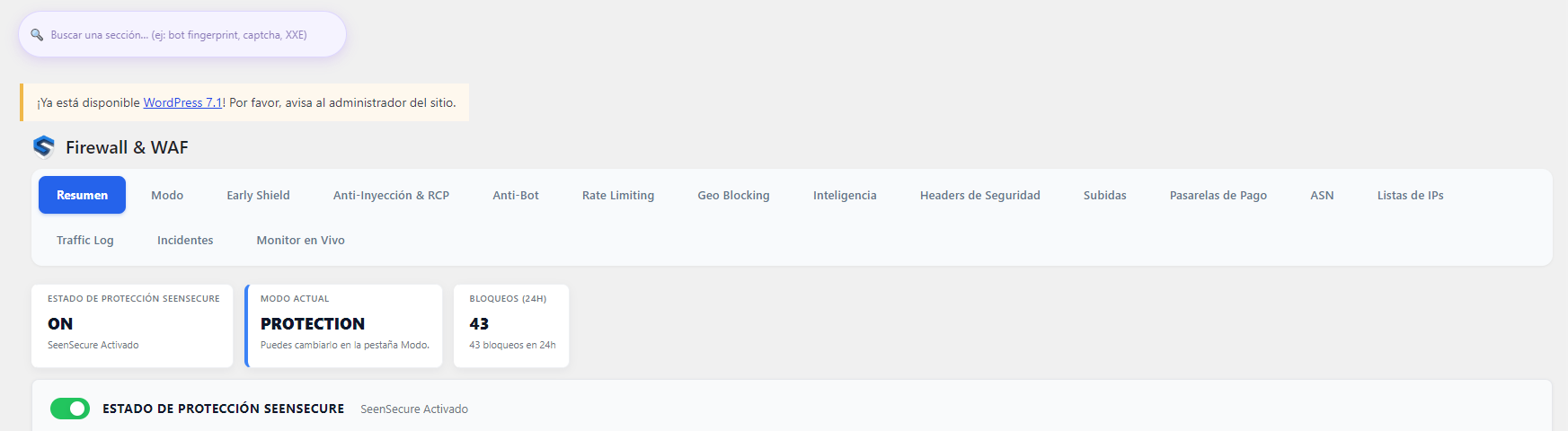
Plugin-level firewall vs DNS/cloud-level firewall
Not all firewalls work at the same point along the way:
- Plugin-level (inside WordPress): traffic has already reached your server by the time it’s filtered. It has the advantage of seeing WordPress’s full context (users, sessions, installed plugins), but it consumes some of your hosting’s resources on every request.
- DNS or cloud-level (in front of your server): traffic is filtered before it even reaches your hosting. It’s lighter on your server, but it doesn’t always have visibility into what’s happening inside WordPress.
The advantage of the plugin-level layer is exactly that: it understands your WordPress’s real context (users, sessions, installed plugins) to decide much more precisely what is and isn’t a real threat.
What a firewall actually protects against (and what it doesn’t)
A well-configured firewall stops SQL injections, XSS attacks, massive brute-force attempts, and bots known for malicious behavior. What it doesn’t do on its own: it doesn’t replace keeping core, plugins, and theme updated, and it doesn’t scan content already uploaded to your server for existing malware — that requires a scanner, not a firewall.
Signs you need to strengthen your firewall
- You see traffic spikes in your stats that don’t match real visits
- Your host has warned you about abnormal resource usage
- You get many access attempts on
wp-login.phpor paths that don’t exist on your site - You’ve already suffered an attack or infection before — the same vector tends to repeat if it isn’t closed off
Frequently asked questions
Is a free firewall enough for my WordPress?
For a personal blog with little traffic, a basic free firewall can be enough. For an online store or a site handling user data, it’s worth having one with regularly updated rules and automatic blocking, not just alerts.
Can a firewall block Google by mistake?
It can happen if the firewall only looks at what the visitor claims to be (the “user-agent”), which anyone can spoof. A well-built firewall verifies the real IP against official ranges before trusting that identity.
Do I need a firewall if my host already says it’s “secure”?
Hosting security protects the server in general, but it doesn’t analyze each specific request against your WordPress install or its plugins — they’re complementary layers, not substitutes for each other.