
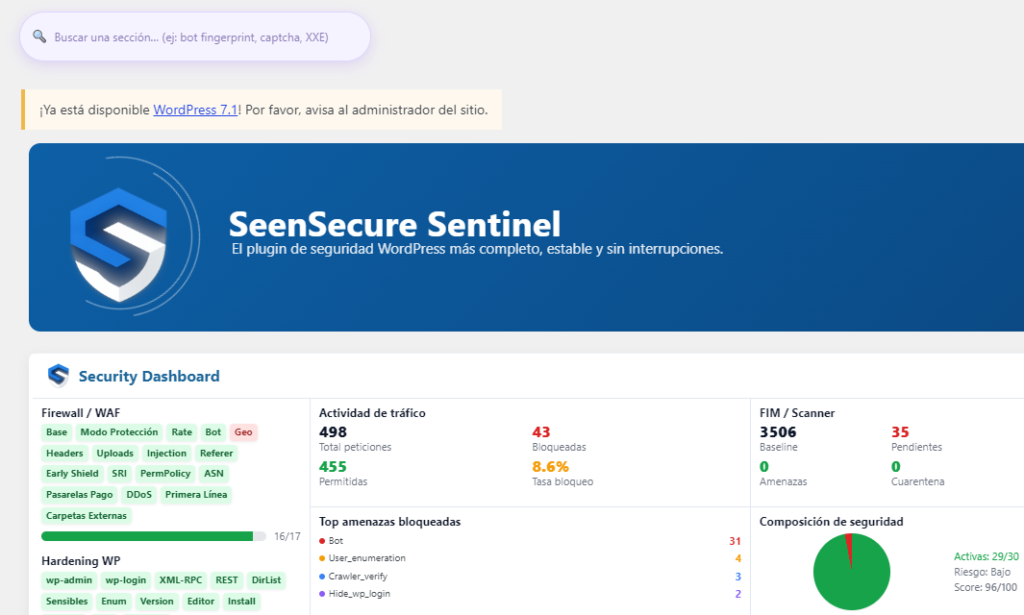
You open your WordPress logs and see dozens, sometimes hundreds, of failed login attempts a day. The first reaction is alarm: am I specifically being targeted? The answer is almost always more reassuring than it looks.
Why you’re getting so many attempts (it’s probably not personal)
The vast majority of these attempts don’t come from a person who has singled you out. They’re automated bots crawling the internet, trying the same list of common usernames and passwords against thousands of WordPress sites at once, without distinguishing which one you are. Your site receiving these attempts is, unfortunately, normal — almost any public WordPress site gets them.
How to tell if it’s automated traffic or something targeted at you
Some signs it’s a generic automated attack, not something personal:
- The usernames being tried are generic: “admin,” “administrator,” your own domain name
- They come from many different IPs spread around the world, not just one
- The pattern is constant over time, not a one-off spike coinciding with something specific
If instead you see attempts heavily concentrated on one specific, uncommon username, or coinciding with some event (you published something controversial, you got press coverage), then it’s worth paying closer attention.
What to do so they stop being a real risk
Limit attempts per IP
Temporarily blocking an IP after several failed attempts in a row stops most basic bots, though more sophisticated ones rotate IPs to get around it.
Use passwords that aren’t on any common list
These attacks try passwords from leaked dictionaries, not random guesses. A long, random password statistically will never match through simple brute force.
Add a second layer beyond username and password
Two-factor authentication means that even if a bot guessed the exact password, it still couldn’t get in without the second factor.
Block by behavior, not just by repeated IP
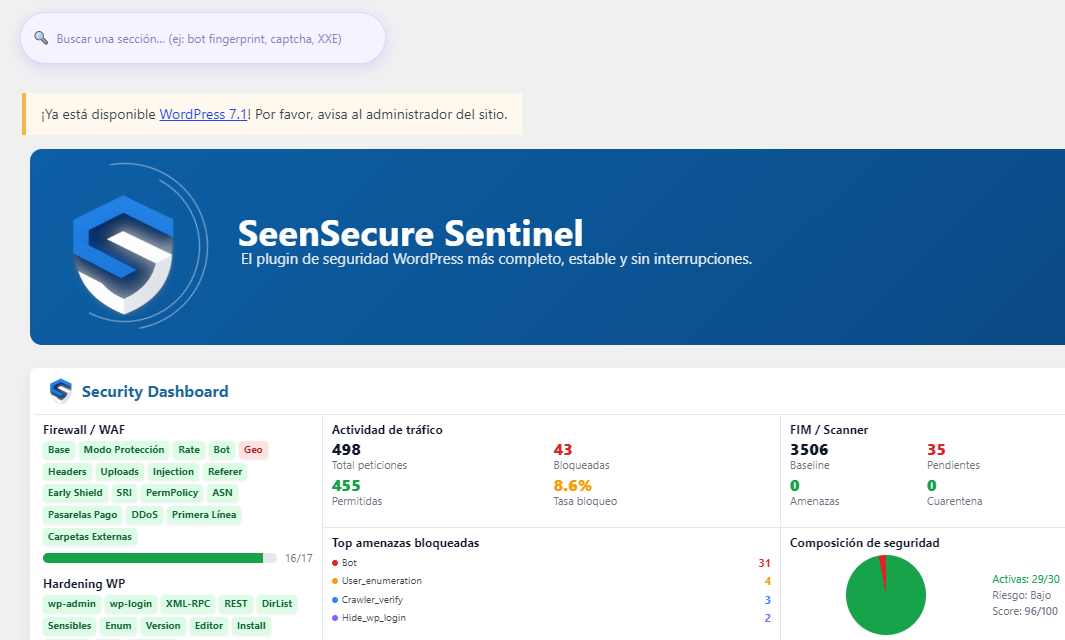
The most effective protection doesn’t wait to count several failures: it recognizes typical bot patterns (speed, headers, origin) and cuts off the attempt before it even tries the password.
Frequently asked questions
Should I worry if I see 50-100 failed login attempts a day?
That’s a normal volume for a public WordPress site without specific login protection. What matters isn’t the quantity, but confirming none of them succeeded.
Does changing the login URL reduce these attempts?
Yes, quite a lot — many bots only try the standard /wp-login.php path. It’s not full protection on its own, but it cuts down a lot of the noise.
Can I find out which country these attempts are coming from?
Yes, a security panel with an activity log shows the country of origin for each attempt — useful for deciding whether you want to block traffic from certain regions if you don’t have legitimate customers or visitors there.