
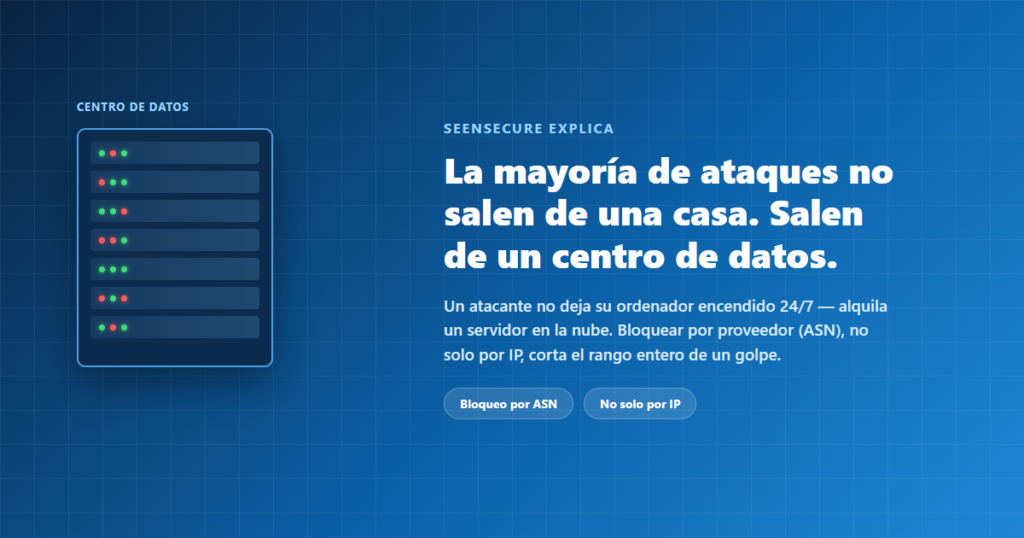
You check your WordPress attack logs expecting to see scattered addresses from random people around the world, and instead you find entire blocks of IPs belonging to Amazon, DigitalOcean, or some cloud provider you’ve never heard of. It’s not a coincidence or a detection error — it’s by far the most common origin of automated malicious traffic.
Why an attacker doesn’t attack “from home”
Running a bot that crawls the internet trying passwords or looking for vulnerabilities needs a server that’s on 24 hours a day, with a good connection, and that doesn’t depend on the attacker’s personal computer staying powered on. The obvious solution — and the one behind the vast majority of automated malicious traffic — is renting a cheap cloud server.
What an ASN is, and why it matters more than a single IP
A number that identifies the provider, not the specific server
Every block of IP addresses on the internet belongs to an organization identified by an ASN (Autonomous System Number) — in practice, it’s the “owner” of that range. Amazon Web Services, DigitalOcean, Hetzner — each has its own ASN (or several, in the case of large providers with a presence in many regions).
Blocking one IP is like plugging one hole in a net with thousands
If you block one specific IP belonging to an attacker renting a cloud server, that IP stops working for them — but the provider has thousands more available, and the attacker can spin up another server in minutes with a new IP. Blocking at the ASN level cuts off access to the provider’s entire range at once, instead of playing whack-a-mole with individual addresses.
A direct block isn’t always the right call
Middle-ground modes so you don’t lose legitimate traffic by mistake
Fully blocking an entire ASN is a significant decision, because it also cuts off any legitimate traffic that might come from there. That’s why it’s worth having more options than “block or don’t”: logging without blocking to observe the pattern before deciding, or only blocking when that origin also shows another suspicious signal (an empty user-agent, patterns typical of pentesting tools, or failing to pass verification that it is who it claims to be) — so the data-center range isn’t treated as automatically guilty, just as one more factor to weigh.
Frequently asked questions
Doesn’t blocking an entire ASN also cut off legitimate traffic?
It can, if you use a blunt direct-block mode — that’s why it’s worth checking first what legitimate traffic might come from there, or using a mode that only acts when there’s another suspicious signal besides the origin.
How do I find out a provider’s ASN?
Public tools like bgp.tools or bgp.he.net let you search by company name and see all the IP ranges associated with its ASN.
Does this replace IP or country blocking?
No, they complement each other: geo-blocking filters by country, IP blocking acts on a specific origin, and ASN blocking covers the middle case of “an entire hosting provider,” which neither geography nor a single IP handles well on its own.