
Most attacks on WordPress aren’t after your data, your content, or even your money. They’re after something almost nobody suspects: using your server as a tool to attack others, without you ever knowing.
Your server, turned into an unwitting accomplice
When an attacker manages to upload malicious code to a vulnerable WordPress, the usual goal isn’t to “do something visible” right away. Often the objective is exactly the opposite: stay hidden for as long as possible, while using your server in the background for tasks that have nothing to do with you.
What do they use a hacked WordPress for, if they’re not stealing anything of yours?
- Sending mass spam: your server becomes part of a network sending millions of emails, using your domain’s reputation instead of their own.
- Mining cryptocurrency: software gets installed that uses your server’s processing power to generate profit for someone else — you pay for the hosting, they keep what it generates.
- Hosting illegal or phishing content: your domain, previously in good standing, starts serving fraudulent pages without you noticing at a glance.
- Joining an attack on another site: your server becomes one of thousands taking part in a coordinated attack against a third party — you don’t even know you’re “participating.”
Why this explains attacks that don’t make sense at first glance
If you’ve ever wondered why your WordPress gets constant access attempts even though you have nothing obviously valuable to steal — no online store, no sensitive data — this is the most common answer. An automated attacker doesn’t care whether your site is a personal blog or a store: all it cares about is having one more server under its control.
How to spot that something odd is going on
- Your host warns you about resource usage (CPU, bandwidth) far above normal, without you having changed anything.
- Your domain starts showing up on spam lists or browser warnings, even though you haven’t sent any mass emails.
- Files or folders show up that you don’t recognize, especially inside
wp-content/uploads, an area meant only for images.
Frequently asked questions
Why would someone attack a small blog with nothing valuable?
Precisely because they’re not after what’s on your site — they’re after the server itself as a tool. A small blog and a big online store are worth exactly the same for this kind of attack: one more internet-connected computer.
How do I know if my server is being used like this right now?
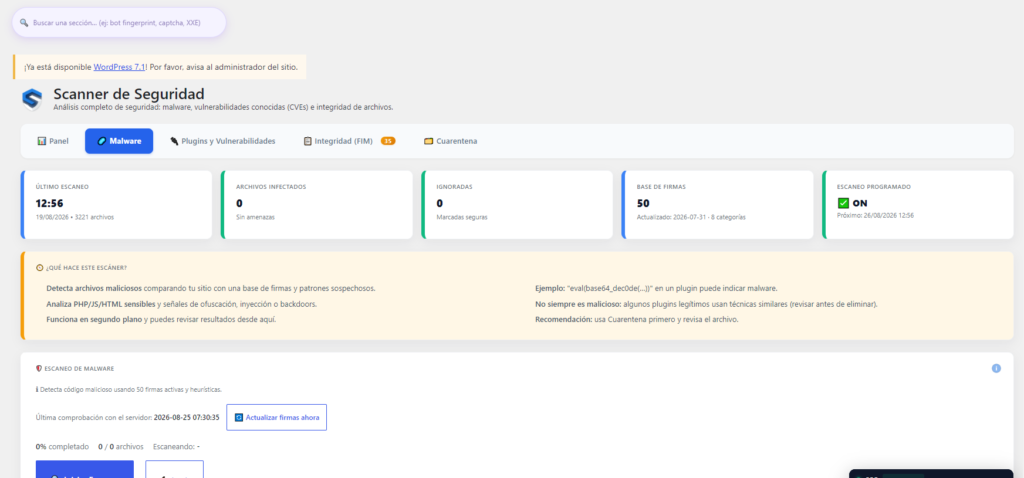
A full site scan looking for malicious files, combined with checking your hosting’s resource usage, is the most reliable way to check.
Does this affect my Google ranking?
Yes, seriously — if your domain starts getting associated with spam or malicious content, Google can penalize it even if you had no idea what was going on.